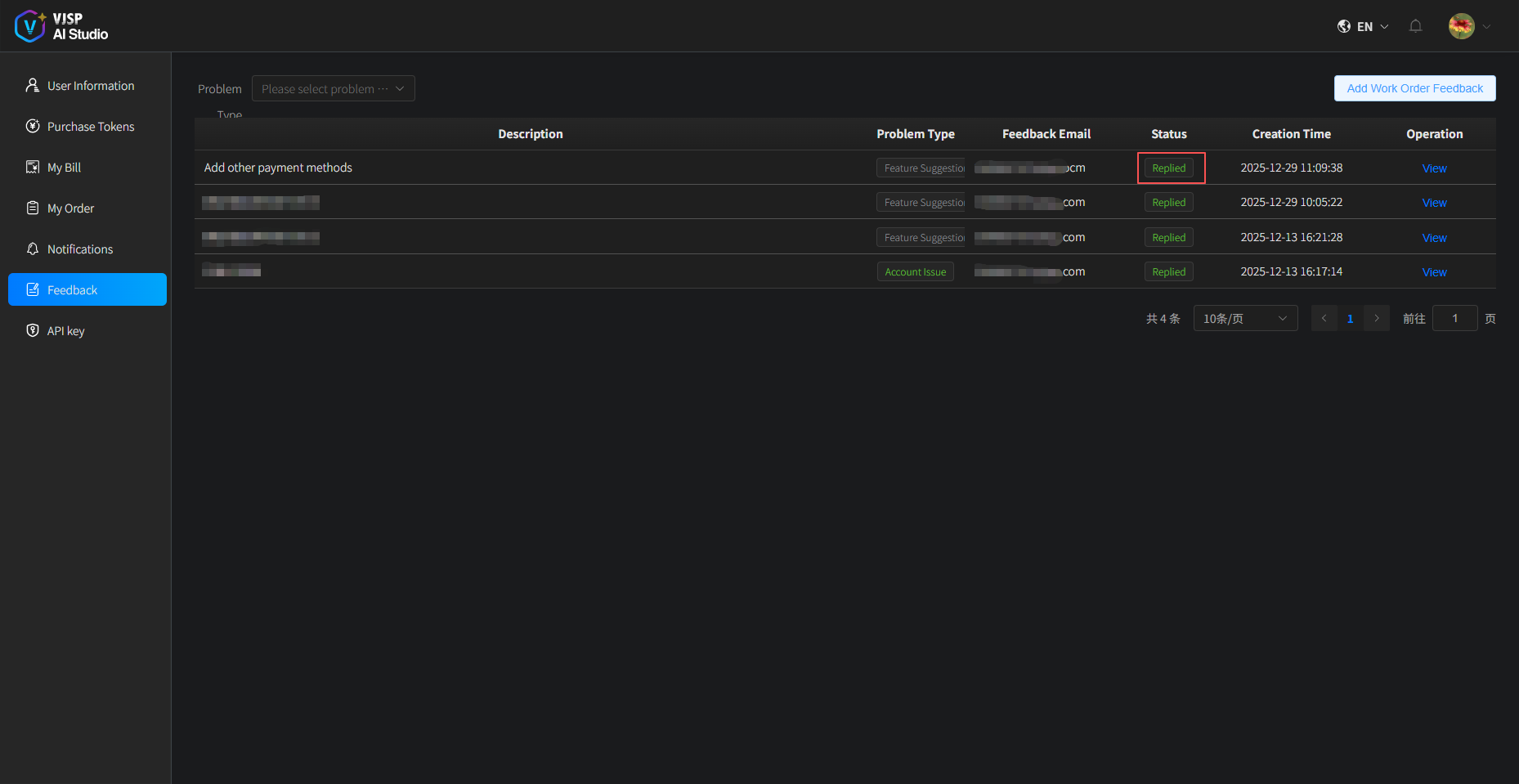
Feedback
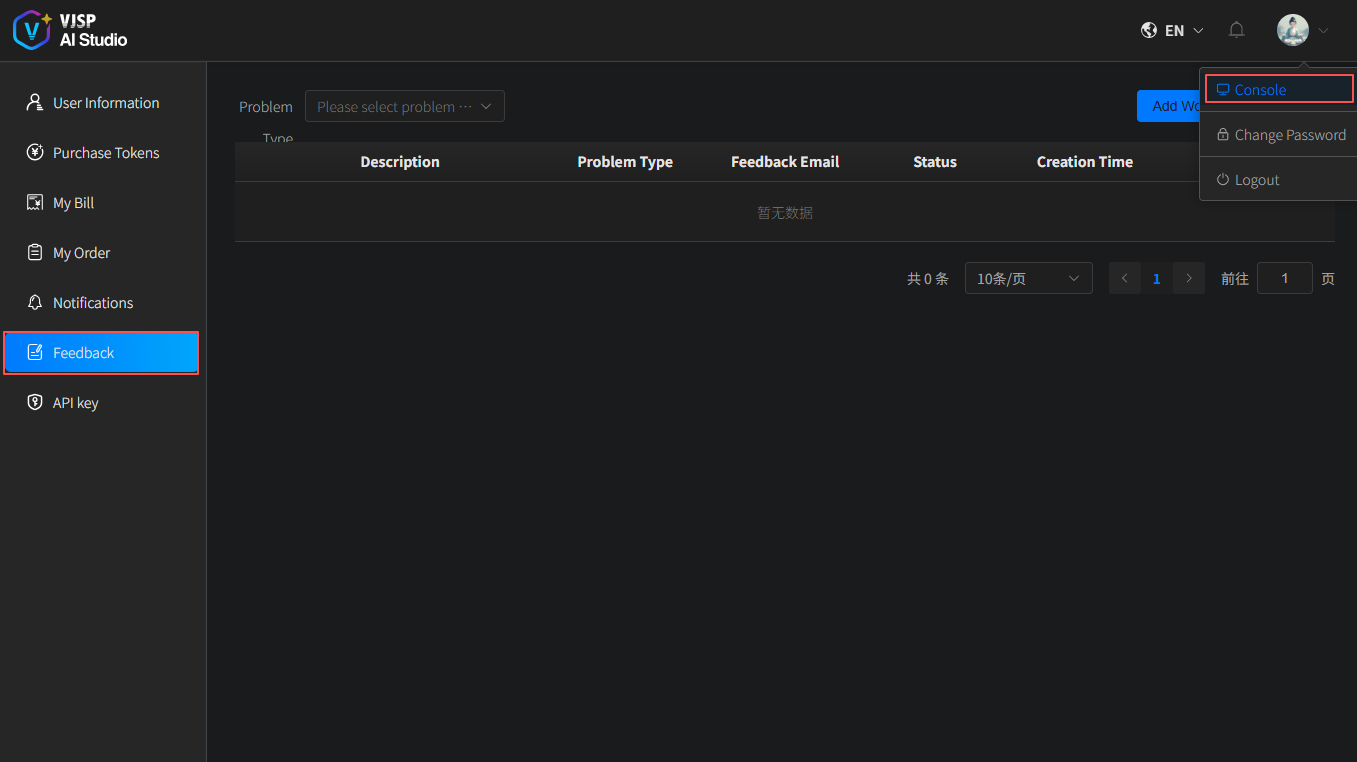
After logging into the platform, please follow the path below to access the Feedback page:
Console → Left sidebar 【Feedback】
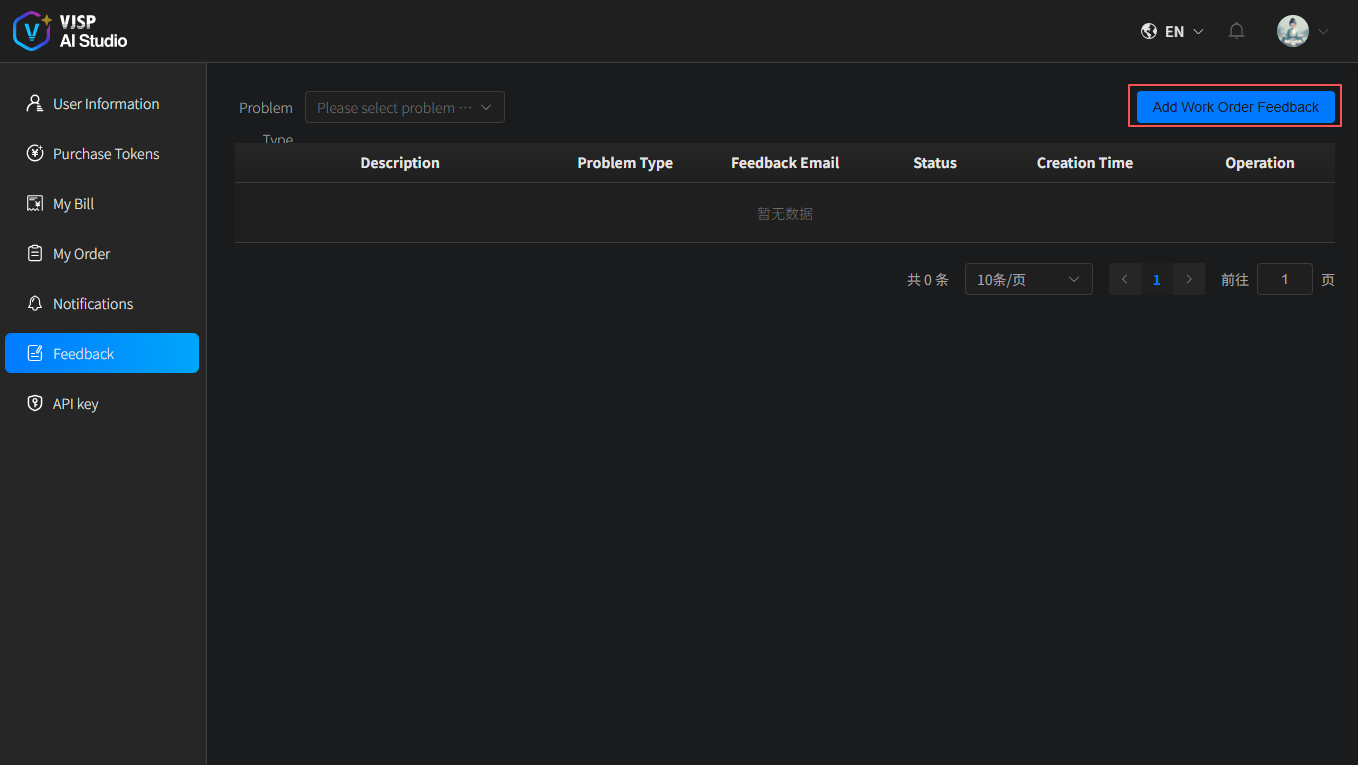
Create a New Support Ticket
- Click the 【Create New Support Ticket】 button.
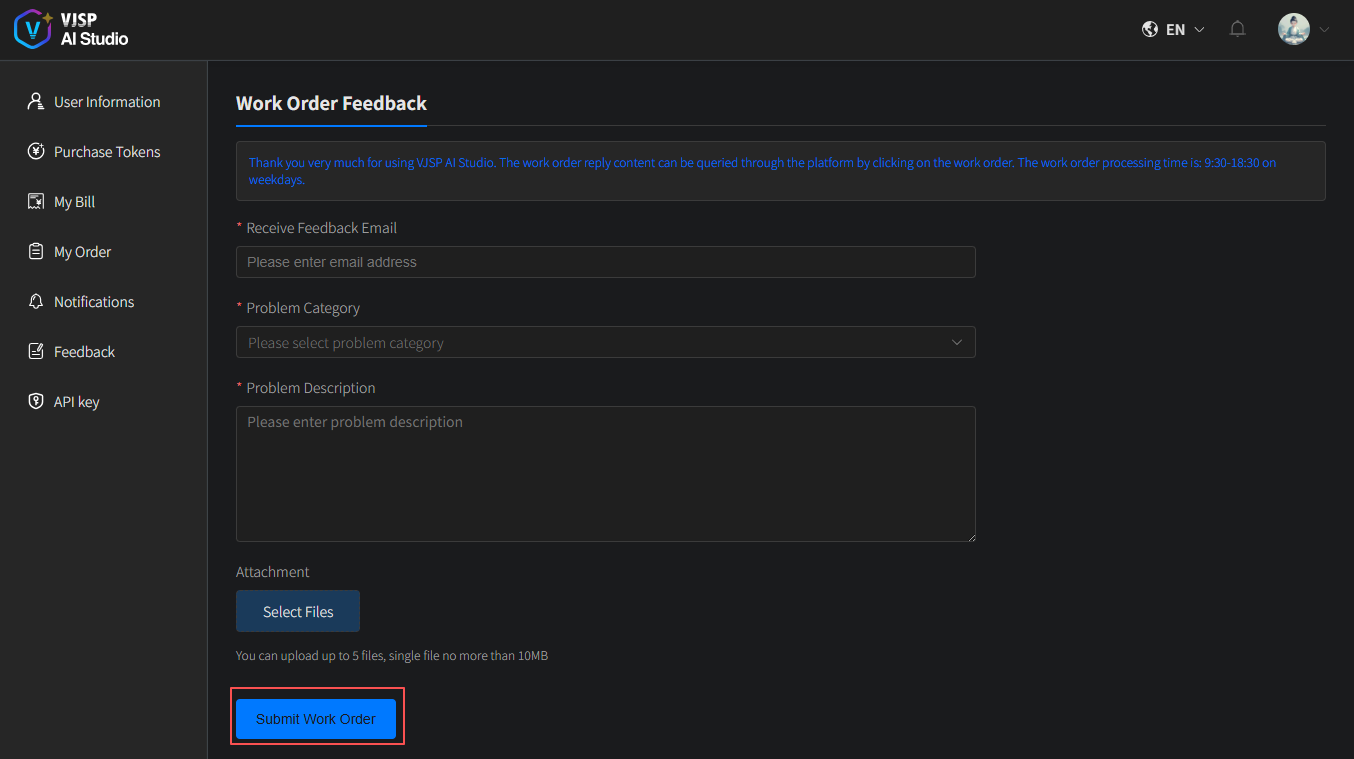
- Fill in your feedback details and click 【Submit Ticket】.
- A success message will appear, and the ticket status will be marked as “Pending”.
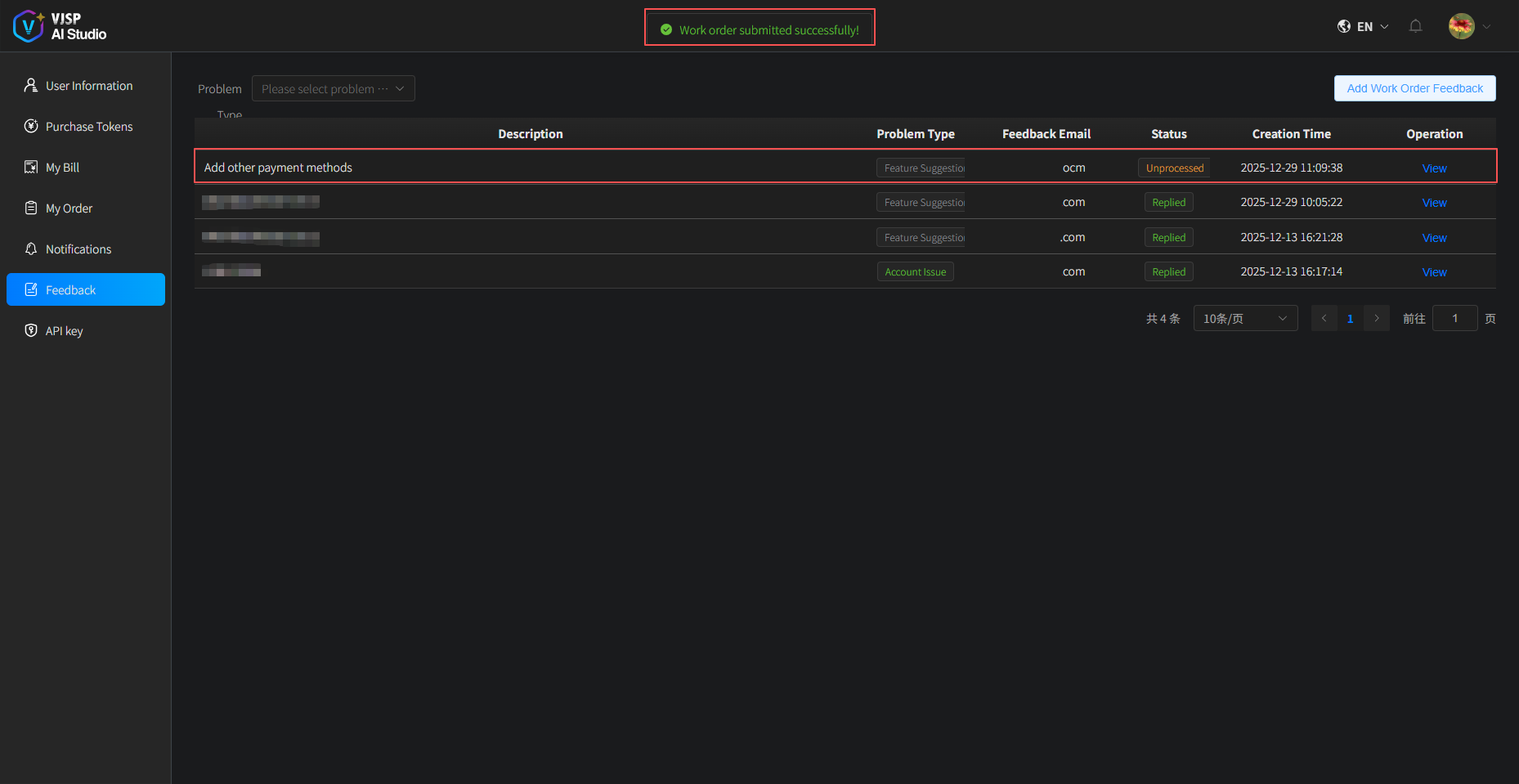
- Once our support team has addressed your issue, the ticket status will update to “Replied”.