
VJSP AI Code Introduction
VJSP AI Code is a full-stack, intelligent programming assistant that combines AI with visual development. Through natural language interaction, it rapidly generates, understands, optimizes, and delivers high-quality code. Supporting code completion, code repair, comment generation, code refactoring, unit testing, documentation generation, and more, it covers the entire development lifecycle while offering multiple intelligent modes and MCP ecosystem integration.
VJSP AI Code enables bidirectional code and visual development, comprehensively enhancing development efficiency and code quality.
Supported Environments
VJSP fully supports VS Code (version 1.84 or later) and IntelliJ IDEA (version 2024.3 or later).
👉 Install Now to start your intelligent coding experience!
Quick Start
Key Features Overview
| Feature | Description |
|---|---|
| Deep IDE Integration | Native support for VS Code and IntelliJ IDEA—install and use instantly, seamlessly embedded into your development workflow |
| Cross-Platform Compatibility | Fully compatible with Windows 10/11, macOS, and UOS, delivering a consistent experience |
| Multiple Working Modes | Balances flexibility and security |
| AI + Visual Development | Automatically generated database schemas, forms, and workflows support graphical preview and drag-and-drop adjustments—what you see is what you get |
Features
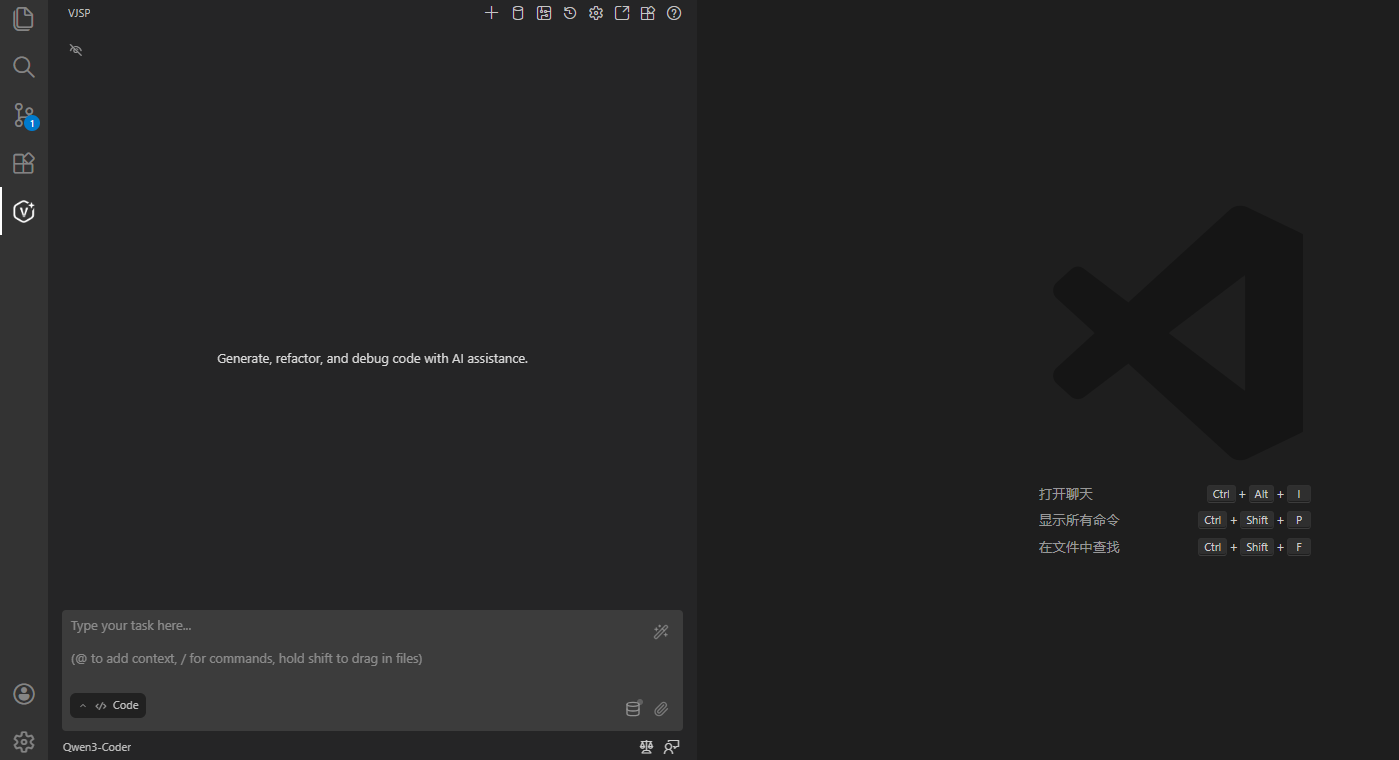
Basic Features
Use the Chat Interface to tell VJSP your requirements. It relies on AI models specifically optimized for programming to fulfill every request.
- Switch modes to suit different tasks
- Control permitted actions
- Perform direct code operations
Using VJSP
Multiple Modes
VJSP offers several specialized modes to flexibly adapt to your needs:
- Code Mode: For general coding tasks (default)
- Architect Mode: For planning and technical guidance
- Ask Mode: For answering questions and providing information
- Debug Mode: For systematic issue diagnosis
- Custom Modes: Create unlimited specialized roles—for security auditing, performance optimization, documentation writing, or any other task
Core Tools
VJSP includes powerful built-in tools that enable the following capabilities:
- Read and write files in your project
- Execute commands in the VS Code or IntelliJ IDEA terminal
- Control a web browser
- Ask follow-up questions
- Search your codebase
For a complete list of tools, see the Tools Reference Documentation.
Extending VJSP
- MCP (Model Context Protocol): Connect external tools and systems, support custom functional extensions, and integrate with databases.
- Local Models: Run VJSP with local AI models for offline use or enhanced privacy.
Customizing VJSP
Make VJSP work your way with the following options:
- Custom Modes: Tailor behavior for specific tasks
- Custom Rules: Define project-specific rules
- Custom Instructions: Set global, plugin-level instructions
- API Configuration Files: Support different model providers
- Auto-Approval Settings: Accelerate your workflow
Resources
Documentation
- Using VJSP – Learn the basics
- Core Features – Master key capabilities
- Advanced Usage – Take your skills further
- FAQ – Find answers to common questions